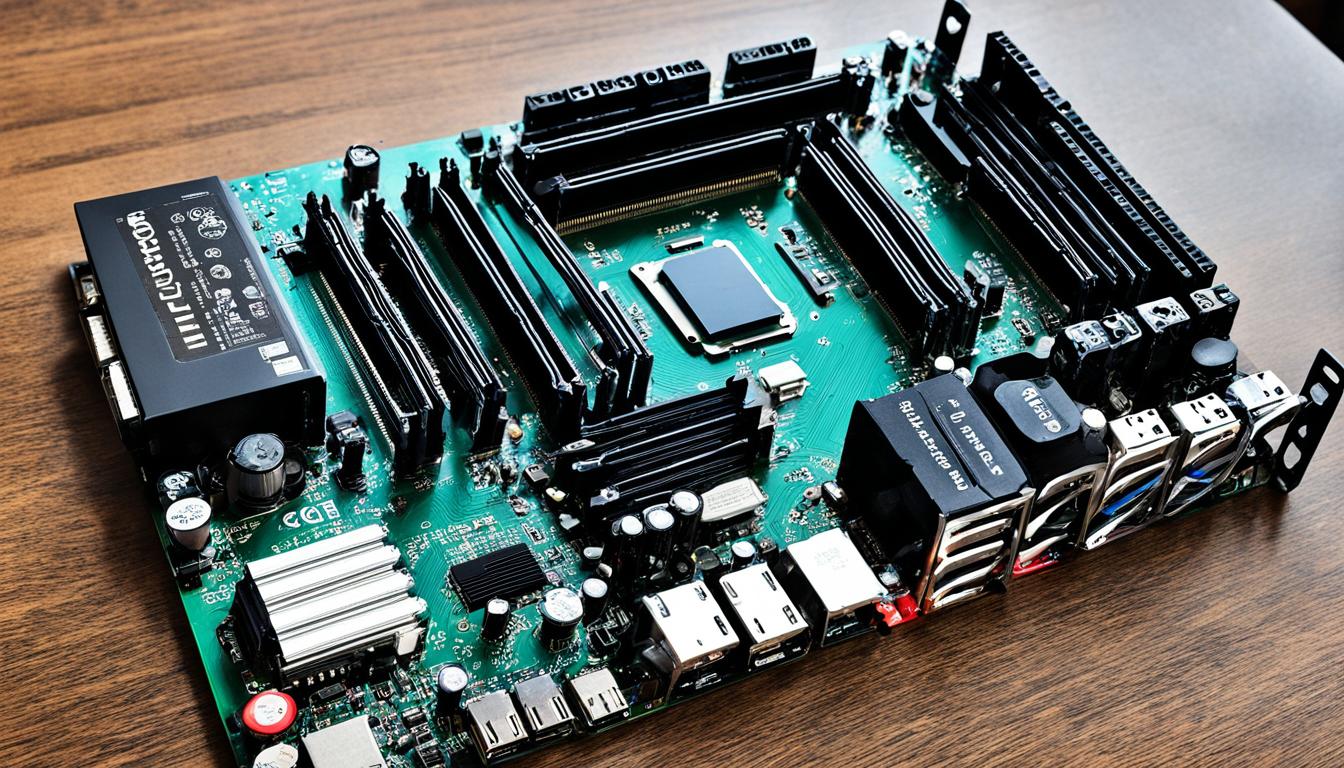
Building your own Deep Learning Computer is a cost-effective alternative to using cloud services like AWS. In this guide, we will provide detailed instructions on how to build a budget-friendly PC for just $500 that is optimized for running Artificial Intelligence software effectively.
Key Takeaways:
- Building your own PC for Artificial Intelligence can save you money compared to using cloud services.
- Choosing the right components, such as the CPU, GPU, Storage, and Memory, is crucial for optimal performance.
- Consider the expandability of your PC for future growth, allowing you to add more GPUs as your AI projects evolve.
- AMD CPUs offer better value for money compared to Intel CPUs for budget-friendly AI PC builds.
- Select Nvidia GPUs with “blower style” fans and sufficient memory capacity for AI model compatibility.
The Importance of Choosing the Right Components
When building a PC for Artificial Intelligence, selecting the right components is vital to ensure optimal performance. The CPU, GPU, Storage, and Memory are the four main components to consider. Let’s take a closer look at each:
CPU – Central Processing Unit
The CPU plays a crucial role in AI computing. It is responsible for executing instructions and performing calculations. When choosing a CPU, ensure it supports all the GPUs you plan to use. This compatibility is essential for efficient communication and parallel processing.
GPU – Graphics Processing Unit
The GPU is the workhorse of AI computing. It handles the intensive computational tasks required for training and running AI models. It’s important to select a GPU with sufficient memory and a fast clock speed to handle the complexity of your AI workloads.
Storage
Storage is where you store your data, models, and code. For AI workloads, it is recommended to use M.2 PCIe storage for faster data transfer speeds. This allows for quicker loading and processing of large datasets, resulting in improved performance.
Memory
Memory, or RAM, is crucial for storing and accessing data during AI computations. It is important to choose DDR4 memory, as it offers higher bandwidth and lower power consumption compared to older memory types. Ensure your memory capacity is sufficient for handling the size of your datasets.
When all these components are carefully selected and optimized for AI computing, you can expect better performance, faster training times, and improved efficiency in running AI tasks.
| Component | Considerations |
|---|---|
| CPU | – Supports all GPUs – Provides compatibility and efficient communication |
| GPU | – Sufficient memory and fast clock speed for AI workloads – Handles computational tasks efficiently |
| Storage | – M.2 PCIe for faster data transfer – Enables quick loading and processing of large datasets |
| Memory | – DDR4 for higher bandwidth and lower power consumption – Sufficient capacity for handling datasets |
Choosing the right components is essential for building a PC that can handle the demands of Artificial Intelligence. By considering the CPU, GPU, Storage, and Memory carefully, you can ensure optimal performance and efficient AI computations.
Expandability for Future Growth
When building your AI PC, it is essential to consider the expandability of your system to accommodate future growth. While you may start with 1 or 2 GPUs, opting for a CPU and motherboard that can support multiple GPUs will allow you to scale up as your AI projects and data processing demands increase.
By choosing an expandable PC, you can future-proof your setup and avoid the hassle of upgrading or replacing components down the line. This not only saves you time and effort but also ensures that your AI system remains capable of handling advanced algorithms and complex computations.
Having the flexibility to add more GPUs to your PC enables you to leverage the power of parallel computing, significantly boosting your AI processing capabilities. This is especially beneficial when dealing with large datasets or running computationally intensive deep learning models.
To ensure that your PC can support multiple GPUs, pay close attention to the specifications of the CPU and motherboard. Look for models that offer sufficient PCIe lanes and compatible slots to accommodate the additional graphics cards. Investing in a motherboard that supports multi-GPU configurations will allow you to maximize your system’s performance and take full advantage of the parallel processing capabilities offered by multiple GPUs.
Additionally, it is essential to consider the power supply unit (PSU) when planning for future expansion. Multiple GPUs require more power, so make sure to choose a PSU with an adequate wattage rating to handle the increased demands. This will prevent any power-related issues and ensure a stable and reliable operation of your expandable PC.
To summarize, building an expandable PC with the capability to accommodate multiple GPUs is crucial for future growth in your AI journey. Choosing a CPU, motherboard, and PSU that can support the scalability you desire will grant you the flexibility to scale up your AI projects and handle more significant computational workloads as your needs evolve.
| Benefits of an Expandable PC | Considerations for Future Growth |
|---|---|
|
|
Testimonial:
“Building an expandable PC has been a game-changer for me. As my AI projects grew in complexity, I was able to seamlessly add more GPUs to my system, enhancing its performance without having to build a new PC from scratch. It’s a cost-effective and practical solution for anyone looking to scale up their AI capabilities.”
– Jonathan Anderson, AI Researcher at NeuralTech
AMD CPUs vs. Intel CPUs
When building an AI PC, one of the most important components to consider is the CPU. The choice between AMD CPUs and Intel CPUs can greatly impact the performance and price of your system. As of December 2019, AMD CPUs have emerged as a favorable option for budget-conscious builders.
AMD CPUs, such as the 1920X and the second-generation 2920X, offer comparable performance to Intel CPUs but at a significantly lower price point. This makes them an attractive choice for those looking to save money without compromising on performance. With the money saved by choosing an AMD CPU, you can allocate more of your budget towards other components like the GPU or additional memory.
One key advantage of AMD CPUs is their affordability. They provide great value for money, making them ideal for individuals or businesses with budget constraints. The lower cost of AMD CPUs allows builders to allocate more budget towards other essential components, enhancing overall system performance.
Additionally, AMD CPUs are known for their multicore performance, making them well-suited for heavily multithreaded workloads like AI processing. The powerful multicore architecture of AMD CPUs enables efficient multitasking and faster computational speeds, resulting in improved AI model training and inference times.
AMD CPUs
- Offer comparable performance to Intel CPUs
- Significantly lower price point
- Affordable, ideal for budget-conscious builders
- Powerful multicore performance for AI processing
However, it’s important to note that Intel CPUs still have their merits. Intel CPUs are generally favored for their higher single-threaded performance, which can benefit certain AI workloads that prioritize single-threaded tasks. Additionally, Intel CPUs often come with built-in graphics capabilities, which can be advantageous for systems that require integrated graphics functionality.
In conclusion, when building an AI PC on a budget, AMD CPUs provide a compelling option. Their affordable price, comparable performance to Intel CPUs, and multicore power make them an attractive choice for AI enthusiasts and professionals alike. By choosing an AMD CPU, you can achieve optimal performance without breaking the bank.
Choosing the Right GPU
When it comes to building an AI PC, selecting the right GPU is crucial for optimal performance. Nvidia GPUs are widely favored in the AI community due to their compatibility with popular AI tools such as TensorFlow and PyTorch.
One important consideration when choosing a GPU is the type of cooling system it employs. For a PC with multiple GPUs, opting for cards with “blower style” fans is recommended. These fans are designed to properly cool the GPUs, preventing overheating and ensuring stable performance.
Another important factor to consider is the memory capacity of the GPU. AI models often require large amounts of memory to process and analyze complex data. Therefore, it is essential to choose a GPU with sufficient memory to handle the demands of your AI projects.
Comparison of Nvidia GPUs
| GPU Model | Memory Capacity | Price |
|---|---|---|
| Nvidia GeForce RTX 2080 Ti | 11 GB GDDR6 | $1,199 |
| Nvidia GeForce RTX 2070 Super | 8 GB GDDR6 | $499 |
| Nvidia GeForce GTX 1660 | 6 GB GDDR5 | $249 |
- The Nvidia GeForce RTX 2080 Ti offers the highest memory capacity of 11 GB GDDR6, but it comes at a higher price point of $1,199.
- The Nvidia GeForce RTX 2070 Super provides a balance between memory capacity and price with 8 GB GDDR6 at a cost of $499.
- For those on a tighter budget, the Nvidia GeForce GTX 1660 offers 6 GB GDDR5 memory at a more affordable price of $249.
Choosing the right GPU is essential for maximizing the performance of your AI PC. By opting for Nvidia GPUs with “blower style” fans and sufficient memory capacity, you can ensure smooth and efficient AI model processing.
Building a Budget-Friendly PC
When it comes to building an AI PC on a budget, finding cost-effective options and comparing prices is essential. By carefully considering prices and available inventory, you can ensure that your PC build stays within your budget while still meeting your needs.
One effective strategy is to compare prices from different reputable sellers. Online platforms like Bandh, Adorama, Newegg, and Amazon offer a wide selection of PC components at competitive prices. By analyzing the prices offered by these sellers, you can identify the best deals and make informed purchasing decisions.
Additionally, keeping an eye out for sales and discounts can help you save even more money on your PC build. Many sellers offer occasional discounts or promotions that can significantly reduce the cost of individual components. By timing your purchases strategically, you can take advantage of these opportunities and further stretch your budget.
| Seller | Price Comparison |
|---|---|
| Newegg | Offers a wide range of PC components at competitive prices. Regularly runs promotions and discounts. |
| Amazon | Provides various sellers and deals for PC components. Offers customer reviews and fast shipping. |
| Bandh | Known for its extensive inventory of PC components. Offers competitive pricing and fast shipping. |
| Adorama | Carries a wide selection of PC components at competitive prices. Offers refurbished options for additional cost savings. |
By considering the prices and available inventory from reputable sellers, you can build a budget-friendly PC without compromising on quality or performance. Remember to compare prices, look for sales or discounts, and make informed purchasing decisions to maximize your savings.
Common Pitfalls to Avoid
When building an AI PC, it is important to be aware of common pitfalls that can hinder the performance and functionality of your system. By recognizing and addressing these issues beforehand, you can ensure a smooth and efficient AI computing experience. Here are three common pitfalls to avoid:
1. GPU overheating
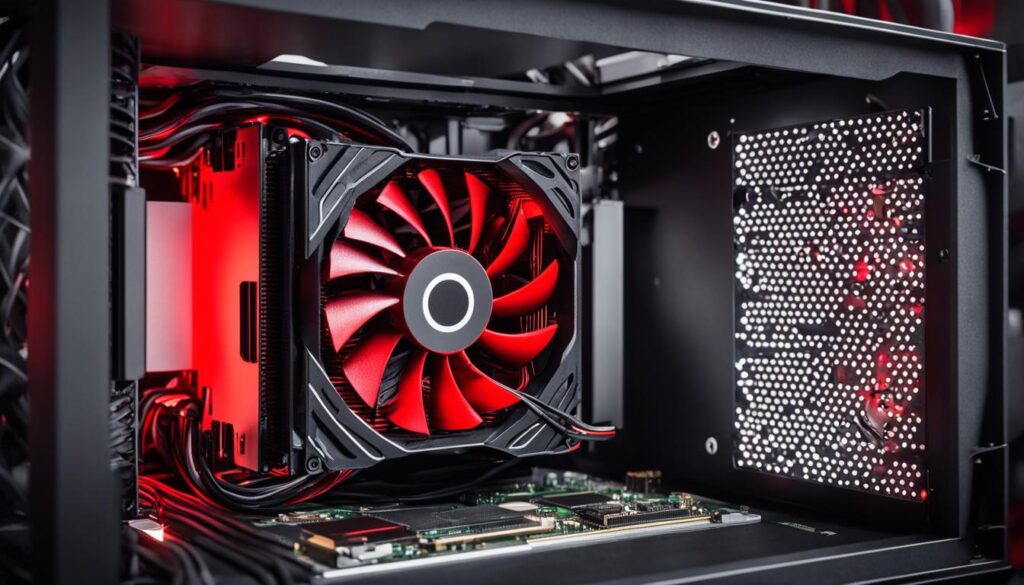
GPU overheating is a significant concern when it comes to AI PC builds. Intensive AI workloads can put a considerable strain on the GPU, causing it to generate excess heat. This can lead to performance throttling, system instability, and potential hardware damage.
To mitigate this issue, it is crucial to invest in proper cooling solutions for your GPU. Consider GPUs with robust cooling mechanisms such as efficient fans or liquid cooling. Additionally, ensure that your PC case has adequate airflow and ventilation to dissipate the heat effectively.
2. Not enough PCIe lanes
Insufficient PCIe lanes can limit the scalability and performance of your AI PC. PCIe lanes are responsible for data transfer between the CPU and other components like GPUs. If you don’t have enough PCIe lanes, your GPUs may not operate at their full potential, resulting in underutilization and decreased performance.
When choosing a motherboard, opt for models that offer a sufficient number of PCIe lanes. This will allow you to connect multiple GPUs without bandwidth limitations, maximizing their performance.
3. Model doesn’t fit in GPU memory
AI models often require significant amounts of GPU memory to operate efficiently. If your GPU doesn’t have enough memory to accommodate the size of your models, it may lead to performance bottlenecks and incomplete computations.
When selecting a GPU, consider its memory capacity and ensure it aligns with the requirements of your AI models. It is essential to analyze the memory requirements of your specific use cases and choose a GPU with ample memory to handle them effectively.
“By addressing these common pitfalls proactively, you can optimize the performance and reliability of your AI PC, allowing you to tackle complex AI workloads with ease.”
| Common Pitfalls | Impact | Solution |
|---|---|---|
| GPU overheating | Performance throttling, system instability, potential hardware damage | Invest in proper cooling mechanisms, ensure sufficient airflow in the PC case |
| Not enough PCIe lanes | Underutilization, decreased performance | Choose a motherboard with an adequate number of PCIe lanes |
| Model doesn’t fit in GPU memory | Performance bottlenecks, incomplete computations | Select a GPU with sufficient memory capacity |
Savings Compared to Buying a Pre-Built PC
Building your own AI PC can result in significant cost savings compared to buying a pre-built PC. Let’s take a look at an example to illustrate this point. Exxact, a well-known vendor, offers pre-built 4×2080 Ti systems for $7,999. However, by building the same system yourself, you could potentially save around $1,399, as the estimated cost for the components would be approximately $6,600.
It’s important to consider not only the initial cost but also other factors when making the decision between building or buying a PC. Pre-built PCs often come with warranties and support, providing added peace of mind. Additionally, pre-built systems may come with pre-installed software, saving you time and effort in the setup process.
Comparing Savings:
| Option | Pre-Built PC | Build Your Own PC | Savings |
|---|---|---|---|
| Price | $7,999 | $6,600 (Approx.) | $1,399 (Approx.) |
| Warranty | ✔ | ✖ | N/A |
| Support | ✔ | ✖ | N/A |
| Pre-installed Software | ✔ | ✖ | N/A |
By building your own PC, not only can you save money, but you also have the freedom to choose each component according to your specific requirements. However, if you prefer the convenience of a pre-built PC and value the additional warranty, support, and pre-installed software, buying a pre-built system from a reputable vendor like Exxact may be a better option for you.
Ordering and Assembly Process
When it comes to building your own AI PC, the ordering and assembly process is a crucial step in ensuring a successful build. To simplify this process, you can utilize websites like PCPartPicker.com. This platform not only allows you to select the desired components for your PC but also ensures compatibility and helps you find the best price from different sellers.
Once you have finalized your component selection, you can proceed with the ordering process directly from the website. PCPartPicker.com provides links to various sellers, making it easy to add the components to your cart and complete the purchase in a few simple steps.
After placing your order, it’s time to get ready for the assembly process. While this may seem intimidating, there are numerous assembly videos and step-by-step instructions available online that can guide you through the process. These resources provide valuable insights and tips, ensuring that you can assemble your AI PC with confidence.
It is important to note that during the assembly process, you should exercise caution and follow safety guidelines. Take your time, handle the components with care, and refer to manufacturer instructions when needed. It’s always a good idea to have a clean, well-lit workspace and appropriate tools to make the assembly process smooth and efficient.
To give you an idea of how the assembly process looks, here’s a step-by-step guide:
- Prepare your workspace: Set up a clean, well-lit area with enough space to work comfortably.
- Organize your components: Lay out all the components and ensure that you have everything you need.
- Install the CPU: Carefully align the CPU on the motherboard’s socket and secure it in place, following the manufacturer’s instructions.
- Install the CPU cooler: Apply thermal paste if necessary and attach the CPU cooler, ensuring it is properly seated and secured.
- Install the RAM: Insert the RAM modules into the appropriate slots on the motherboard, applying gentle pressure until they click into place.
- Mount the motherboard: Line up the motherboard with the case’s standoffs and secure it using screws, ensuring it is level and stable.
- Connect the power supply: Attach the necessary power cables from the power supply to the motherboard, GPU, storage devices, and other components.
- Install the storage devices: Connect the storage devices, such as SSDs or HDDs, to the appropriate motherboard ports and secure them in the case.
- Install the GPU: Align the GPU with the PCIe slot and firmly press it in until it is fully seated. Secure the GPU using screws or the necessary fasteners.
- Connect peripherals: Attach the necessary cables for your monitor, keyboard, mouse, and other peripherals.
- Double-check connections: Before closing up the case, ensure that all cables are securely connected and that no loose connections remain.
- Test your AI PC: Power on the system and check for any errors or issues. Install the necessary software and drivers to ensure optimal functioning.
By following these steps and utilizing the resources available, you can successfully assemble your AI PC and be ready to dive into the world of Artificial Intelligence.
Introduction to Newegg’s AI PC Builder Tool
Newegg, the popular online retailer for computer hardware and electronics, has recently introduced its AI-powered PC Builder tool. This innovative tool is designed to simplify the process of selecting components for building a PC by leveraging the power of artificial intelligence.
The Newegg AI PC Builder tool acts as a parts list generator, generating a customized list of components based on the user’s specific requirements and budget. By taking into account factors such as performance, compatibility, and pricing, the tool aims to provide users with a convenient and efficient way to create their ideal PC build.
However, it is important to note that while the Newegg AI PC Builder tool offers convenience, it has faced some criticism regarding its accuracy and pricing recommendations. Some users have reported inconsistent results and inaccuracies in the tool’s suggested part selections and pricing estimates.
“The Newegg AI PC Builder tool is a great concept, but it doesn’t always provide accurate recommendations. Users should double-check the suggested parts and prices to ensure they are getting the best value for their budget.” – Tech Enthusiast
Despite these criticisms, the Newegg AI PC Builder tool can still serve as a starting point for users looking to build their own PC. It provides a convenient way to explore different component options and get a rough estimate of the budget required for the build.
However, it is recommended to use the tool with caution and to cross-reference the suggested parts and prices with other reliable sources. This will ensure that the final parts list is both accurate and optimal for the user’s specific needs.
Issues with Newegg’s AI PC Builder Tool
The Newegg AI PC Builder tool has been subject to criticism for its shortcomings in providing accurate and reliable recommendations. Users have reported several issues, including budget inaccuracies, unbalanced PC builds, and configuration problems.
Budget Inaccuracies
One of the main concerns with Newegg’s AI PC Builder tool is its failure to suggest components that match the specified budget. Users often find that the tool recommends components that exceed the budget or fails to offer reasonably priced alternatives. This can lead to frustration and difficulty in staying within the desired budget for building a PC.
Unbalanced PC Builds
Many users have expressed dissatisfaction with the PC configurations suggested by the Newegg AI PC Builder tool. The tool has been known to recommend outlandish combinations of components that do not complement each other or align with the intended use of the PC. This can result in poor performance and compatibility issues, making it necessary for users to manually adjust the suggested build to ensure a balanced and efficient PC.
Configuration Problems
In addition to budget inaccuracies and unbalanced builds, the Newegg AI PC Builder tool has also faced criticism for configuration problems. Users have reported instances where the tool suggests incompatible CPU-GPU combinations or recommends outdated or overpriced components. These configuration problems can hinder the overall functionality and value of the PC build.
While the Newegg AI PC Builder tool aims to simplify the process of selecting components for a PC build, the issues highlighted above raise concerns about its reliability and suitability for accurate and cost-effective recommendations. Users are advised to exercise caution and consider alternative sources when building their AI PC to ensure optimal performance and value for money.
| Issues | |
|---|---|
| 1 | Budget Inaccuracies |
| 2 | Unbalanced PC Builds |
| 3 | Configuration Problems |
Problems with Pricing and Component Selection
One of the major issues with the Newegg AI PC Builder tool is pricing problems. The tool often recommends components that are overpriced, especially during the GPU shortage period. Additionally, the tool tends to select outdated components, such as previous-generation CPUs and GPUs, which can result in poor performance and value for money.
The high pricing problems can be a major obstacle for users looking to build an AI PC within budget. The Newegg AI PC Builder tool often suggests components that are overpriced due to market fluctuations and increased demand during the GPU shortage. This can lead to higher costs for users and may force them to compromise on other essential components.
Another issue is the tool’s tendency to recommend outdated components. With the rapid advancement of technology in the AI field, using outdated CPUs and GPUs can severely impact the performance and efficiency of the AI PC. Users may experience slower processing speeds and compatibility issues with the latest AI software and frameworks.
To illustrate the pricing problems and outdated component selection, here is a table comparing the prices and performance of recommended components by the Newegg AI PC Builder tool:
| Component | Newegg AI Builder Recommendation | Actual Market Price | Performance |
|---|---|---|---|
| CPU | Intel Core i7-7700K | $350 | Outdated (7th generation) |
| GPU | Nvidia GTX 1060 6GB | $400 | Previous generation |
| Memory | DDR3 8GB | $60 | Slower speed |
As shown in the table, the Newegg AI PC Builder tool recommends outdated components at higher prices, which can lead to poor performance and inefficiency. It is important for users to be cautious and perform thorough research before making their component selections and purchases.
Users are advised to explore alternative sources, such as reputable PC building communities and expert reviews, to ensure they choose the most cost-effective and up-to-date components for their AI PC build. By doing so, they can avoid the pricing problems and outdated component selection issues that may arise with the Newegg AI PC Builder tool.
When it comes to building an AI PC, it is crucial to prioritize both price and component selection to achieve optimal performance and value for money.
Ineffectiveness of PC Builder AI
When it comes to selecting the right components for your PC, relying on AI-powered tools can be a convenient option. However, AE Studios’ PC Builder AI, used by pcbuilderai.com, has proven to be ineffective in providing accurate and reliable part recommendations.
One of the biggest shortcomings of this tool is its tendency to suggest outdated components. This can lead to poor performance and compatibility issues, ultimately undermining the effectiveness of your PC build. In addition, the tool often misprices parts, giving users inaccurate cost estimates and potentially leading to budget overruns.
Another critical flaw is the tool’s failure to consider market trends and current availability. As the PC component market is constantly changing, it is crucial to have access to up-to-date information to make informed decisions. However, AE Studios’ PC Builder AI overlooks this aspect, resulting in recommendations that may not align with the latest industry developments.
For reliable and accurate part selection, it is advised to seek alternative sources that provide comprehensive and current information. Consulting reputable tech forums, expert opinions, and user reviews can help you make well-informed choices and avoid the pitfalls associated with AE Studios’ PC Builder AI.
Remember, investing in a PC build is a significant undertaking, and the performance of your machine heavily relies on the quality of the components chosen. By exploring reliable sources, you can ensure that your part selection aligns with your needs, budget, and the latest advancements in the PC industry.
Expert Insight
“While AI-powered PC building tools may seem attractive, it’s important to approach them with caution. AE Studios’ PC Builder AI, in particular, has a track record of poor recommendations and failure to adapt to market changes. To build a PC that truly meets your needs, rely on trusted sources and expert advice.”
Conclusion
After analyzing the performance and usability of AI PC building tools like Newegg’s AI PC Builder and PC Builder AI by AE Studios, it is clear that these tools are not reliable when it comes to providing accurate and cost-effective part recommendations. While they may offer convenience, their inaccuracies and shortcomings can lead to suboptimal performance and wasted resources.
Instead, it is recommended to rely on more reliable sources, such as industry forums, expert advice, and trusted online communities, when building an AI PC. These sources often provide valuable insights, real-world experiences, and up-to-date information on the best components to use for AI applications.
By seeking guidance from reliable sources, individuals can ensure that their AI PCs are optimized for performance, efficiency, and cost-effectiveness. Whether it’s choosing the right components, considering future expandability, avoiding common pitfalls, or finding the best prices, relying on reliable sources will ultimately result in a more successful AI PC build.
When it comes to building an AI PC that meets your specific needs, don’t solely rely on AI-powered PC building tools. Instead, consult reliable sources and leverage the knowledge and experience of the AI community to create a robust and efficient machine capable of running your AI applications effectively.
FAQ
Can I build a PC to run Artificial Intelligence software for just $500?
Yes, building your own Deep Learning Computer is a cost-effective alternative to using cloud services like AWS. This guide provides detailed instructions on how to build a budget-friendly PC optimized for running AI software effectively.
What are the most important components to consider when building a PC for AI?
The four most important components to consider are the CPU, GPU, Storage, and Memory.
How can I ensure expandability for future growth in my AI PC?
It is beneficial to choose a CPU and motherboard that can support up to 4 GPUs, allowing you to add more GPUs as your AI projects and data processing needs grow.
Should I choose an AMD or Intel CPU for my AI PC?
As of December 2019, AMD CPUs offer better value for money compared to Intel CPUs. AMD’s CPUs provide comparable performance to Intel CPUs at a significantly lower price.
Why are Nvidia GPUs recommended for AI projects?
Nvidia GPUs are widely used in the AI community due to their compatibility with popular AI tools like TensorFlow and PyTorch. It is recommended to choose GPUs with “blower style” fans for better cooling in a single PC setup.
How can I build a budget-friendly AI PC?
Careful consideration of prices and available inventory is important. Comparing prices from reputable sellers and keeping an eye out for sales and discounts can help you save money on your PC build.
What common pitfalls should I be aware of when building an AI PC?
Some common pitfalls include GPU overheating, insufficient PCIe lanes, and choosing a GPU that doesn’t have enough memory to accommodate your AI models.
Can building my own AI PC save me money compared to buying a pre-built PC?
Yes, building your own AI PC can result in significant cost savings compared to buying a pre-built PC. However, factors like warranty, support, and pre-installed software should be considered when making the decision.
How can I order the components for my AI PC?
You can use websites like PCPartPicker.com to select the desired parts and find the best price across different sellers. Assembly videos and instructions can be followed to put together your AI PC.
What is Newegg’s AI PC Builder Tool?
Newegg’s AI PC Builder Tool is an AI-powered tool that generates a parts list based on the user’s requirements and budget, simplifying the process of selecting components for a PC build.
What are the issues with Newegg’s AI PC Builder Tool?
The tool has been criticized for inaccuracies in budget recommendations, unbalanced PC builds, configuration problems, and suggesting components that are overpriced or outdated.
Are there problems with pricing and component selection in Newegg’s AI PC Builder Tool?
Yes, the tool often recommends components that are overpriced, especially during the GPU shortage period. It may also suggest outdated components, resulting in poor performance and value for money.
Is PC Builder AI by AE Studios an effective tool for selecting PC parts?
No, PC Builder AI by AE Studios has been found to be ineffective in providing accurate and reliable part recommendations. It often suggests outdated components, misprices parts, and fails to consider market trends and availability.
Can AI PC building tools be relied upon for accurate recommendations?
While AI PC building tools offer convenience, they have proven to be unreliable in providing accurate and cost-effective recommendations. It is recommended to seek reliable sources, forums, and expert advice for optimal performance and value for money.
Source Links
- https://medium.com/the-mission/how-to-build-the-perfect-deep-learning-computer-and-save-thousands-of-dollars-9ec3b2eb4ce2
- https://www.digitaltrends.com/computing/newegg-chatgpt-ai-pc-builder-dumpster-fire/
- https://www.tomshardware.com/news/ai-pc-building-site-creates-parts-lists-with-wacky-prices-takes-forever